Knotty Navy
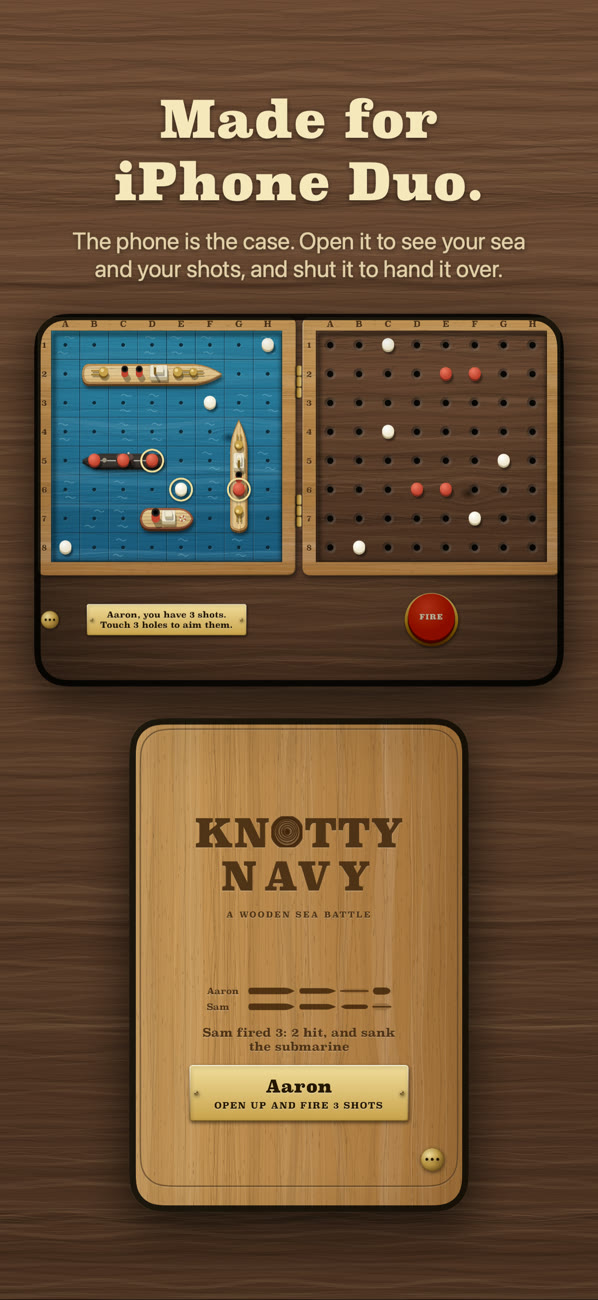
A wooden sea battle, made for iPhone Duo. The phone is the case: open it to see your own sea and your shots, and shut it to hand it over. The cover screen is the lid, and it says whose go it is.
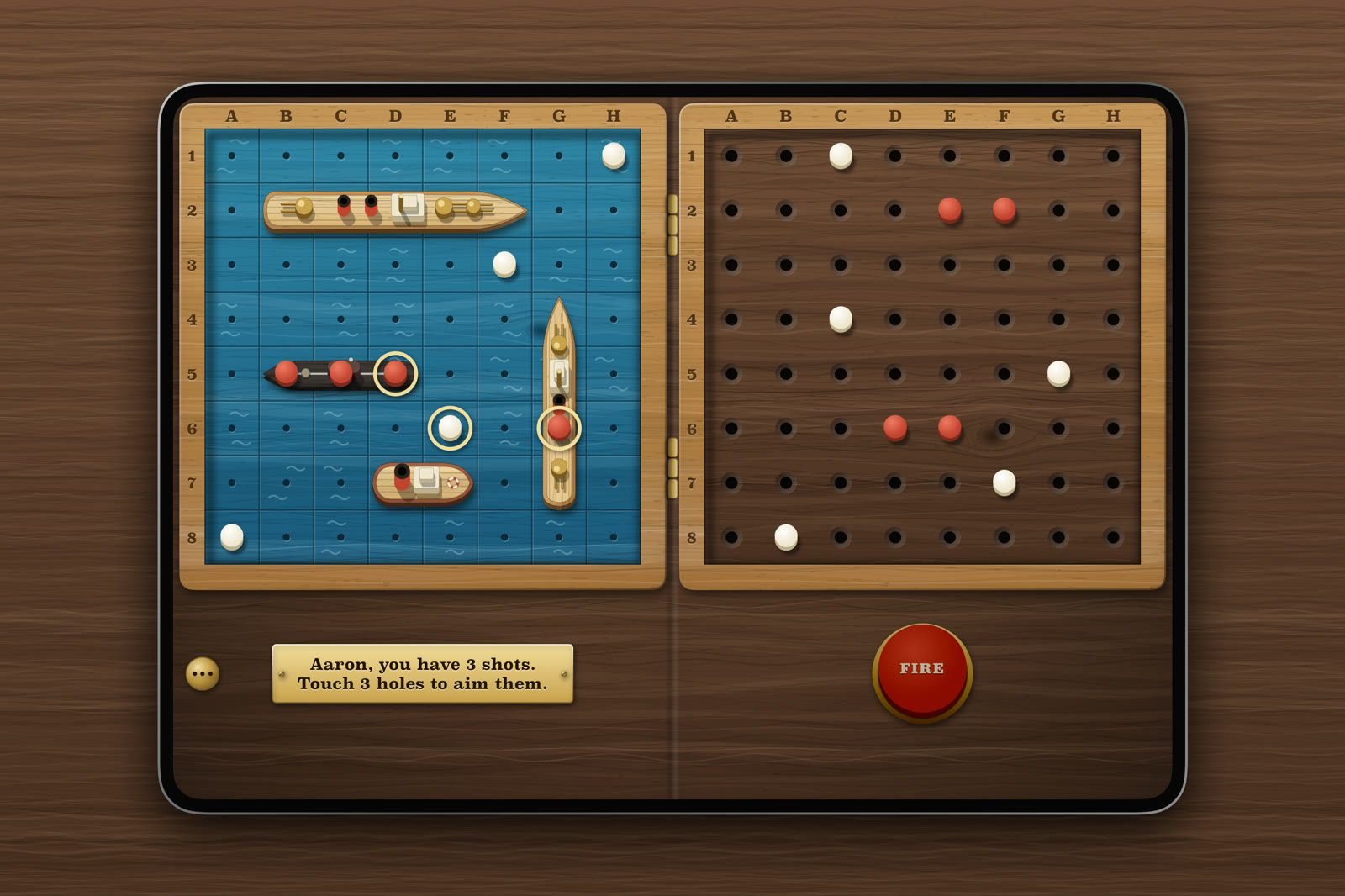
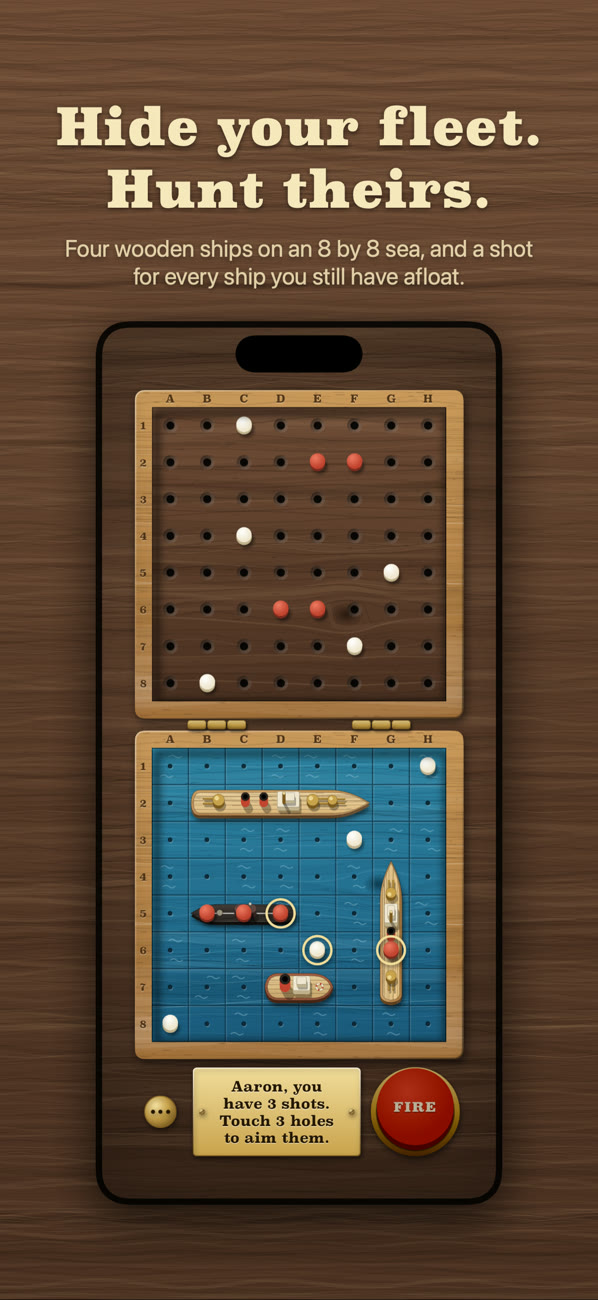
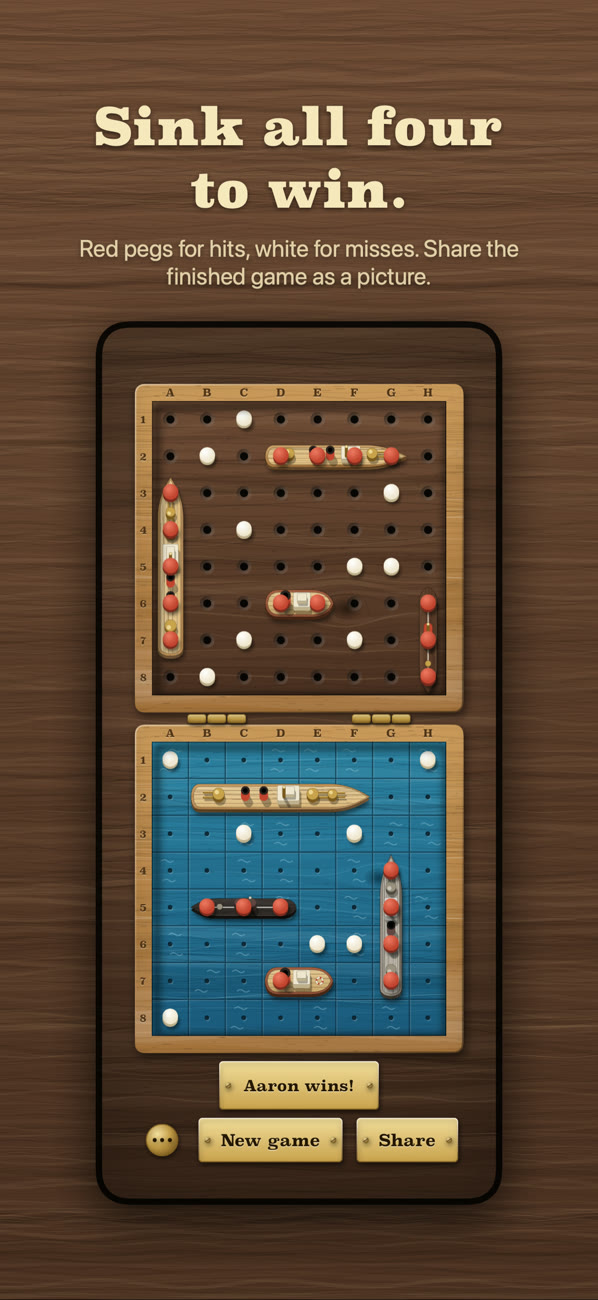
Each player hides four toy ships on an 8 by 8 sea and hunts for the other's with pegs: white for a miss, red for a hit. The wood, the ships and the brass are all drawn on the phone. There are no ads and no accounts.
Knotty Navy is on its way to the App Store.
How to play
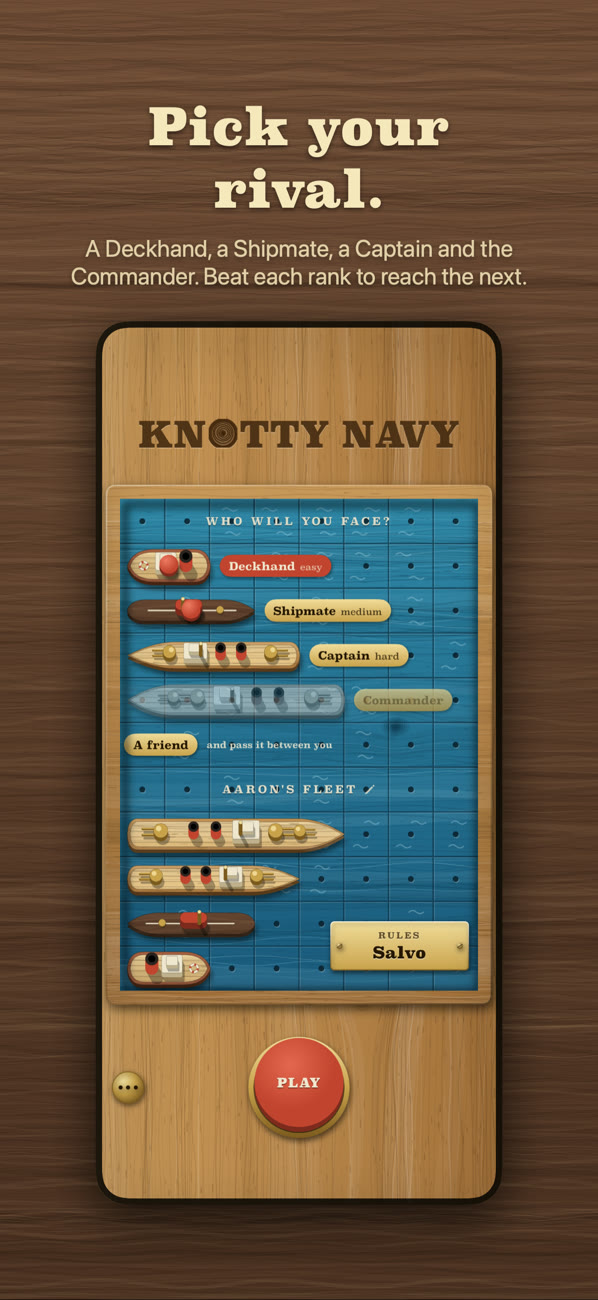
- Choose who to face. In the harbour, touch a rival's ship to play the computer, or A friend to pass the phone between two of you. Touch the name over your fleet to change it.
- Set out your fleet. Drag a ship to move it and tap it to turn it, or tap Shuffle. Tap Ready, then shut the phone to hand it over. A phone shut before Ready comes back to the same player.
- Fire. Touch a hole on your shots board to aim, touch it again to take the aim back, and press the red plunger to fire.
- Salvo. The game comes set to salvo: you fire a shot for every ship you still have afloat, all at once. Lose a ship and you lose a shot. Touch the Rules plate in the harbour for one shot a go instead.
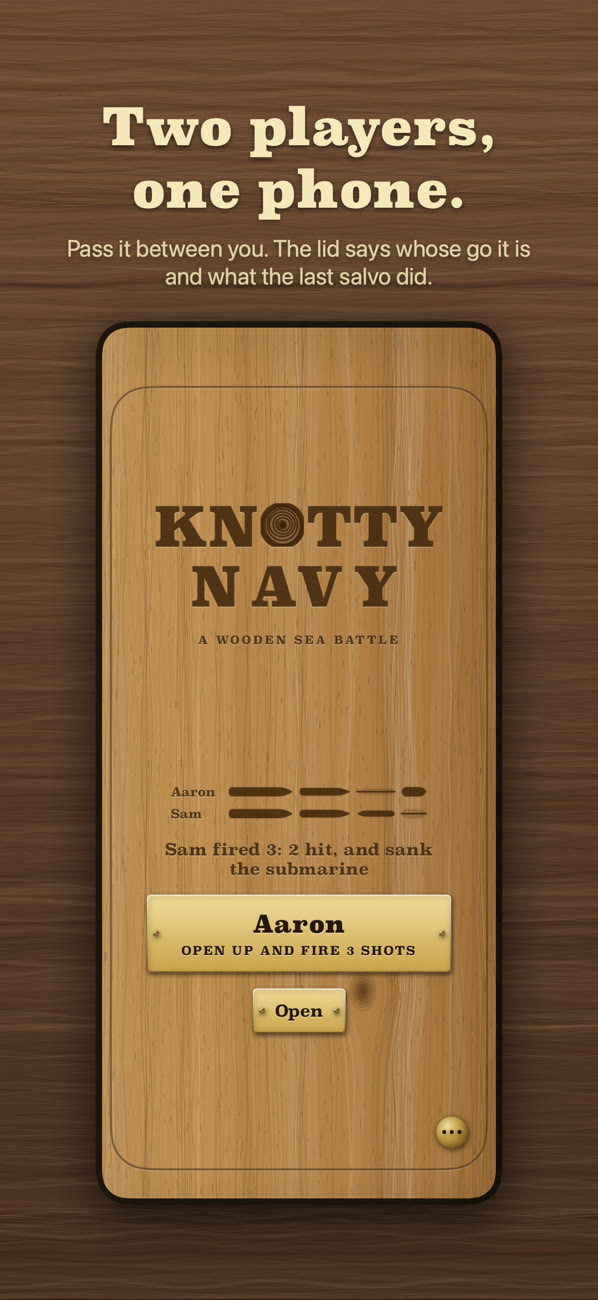
- Pass the phone. Shut it after your go. The lid says what your shots did and who opens it next. On other iPhones there are Done and Pass buttons.
- Win. The first to sink all four ships wins, and the lid sums the game up in a line you can share.
- The ranks. Against the computer you start with the Deckhand. Beat each rank to face the next: the Shipmate, the Captain and the Commander.
Free, with one purchase
The Deckhand and your first game against a friend are free. A one-time $3.99 purchase, the full set, opens the Shipmate, the Captain and the Commander as you reach them, and every game against a friend after the first. It is not a subscription.
Knotty Navy works with VoiceOver, large text and Reduce Motion, and plays on any iPhone or iPad with iOS 27.
Questions
- I bought the full set and it's locked again. Open the menu with the brass stud, choose The full set, and tap Restore purchase.
- There's no sound. The game follows the silent switch, and has its own Sound switch in the menu.
- The lid says "Shut the case first". A game was left under way with the phone open. Shut it and open it again, so nobody is shown a fleet that isn't theirs.
- Shutting the phone does nothing. Passing by shutting needs iPhone Duo on iOS 27.1 or later. On other iPhones, use the Done and Pass buttons.
- I want to start over. Open the menu and choose Main menu.
Anything else: aaron@aaronpeabody.dev